Sample JPG images
JPEG images from 640×360 to 3840×2160, a progressive JPEG, and one stored sideways with an EXIF orientation tag, which is the case that most often breaks thumbnail code. Free, no sign-up. Updated 19 November 2026.
What these files are
JPEG images from 640×360 to 3840×2160, a progressive JPEG, and one stored sideways with an EXIF orientation tag, which is the case that most often breaks thumbnail code.
Every file was generated by our own code, so nothing in them is copied from anyone, and we release them under CC0: use them for anything. The facts in the table were read back from each file after it was written, not typed in by hand.
About the format
JPEG is a lossy format meant for photographs; the quality setting trades file size against artefacts around sharp edges. A baseline JPEG is drawn from top to bottom, while a progressive JPEG stores a rough version of the whole image first. Cameras often save the pixels sideways and add an EXIF Orientation tag; value 6 means the viewer should rotate the image 90° clockwise.
These files open in every browser and image viewer. A web server should send them with the header Content-Type: image/jpeg; the same format is also saved with the extension .jpeg.
5 files to download
| File | Size | What it is |
|---|---|---|
| sample-640x360.jpg | 23 KB | 640×360, baseline JPEG, quality 85 width: 640; height: 360; mode: RGB; format: JPEG; frames: 1 |
| sample-1920x1080.jpg | 95 KB | 1920×1080, baseline JPEG, quality 85 width: 1920; height: 1080; mode: RGB; format: JPEG; frames: 1 |
| sample-3840x2160.jpg | 254 KB | 3840×2160, baseline JPEG, quality 85 width: 3840; height: 2160; mode: RGB; format: JPEG; frames: 1 |
| sample-progressive-1280x720.jpg | 41 KB | 1280×720 progressive JPEG width: 1280; height: 720; mode: RGB; format: JPEG; frames: 1 |
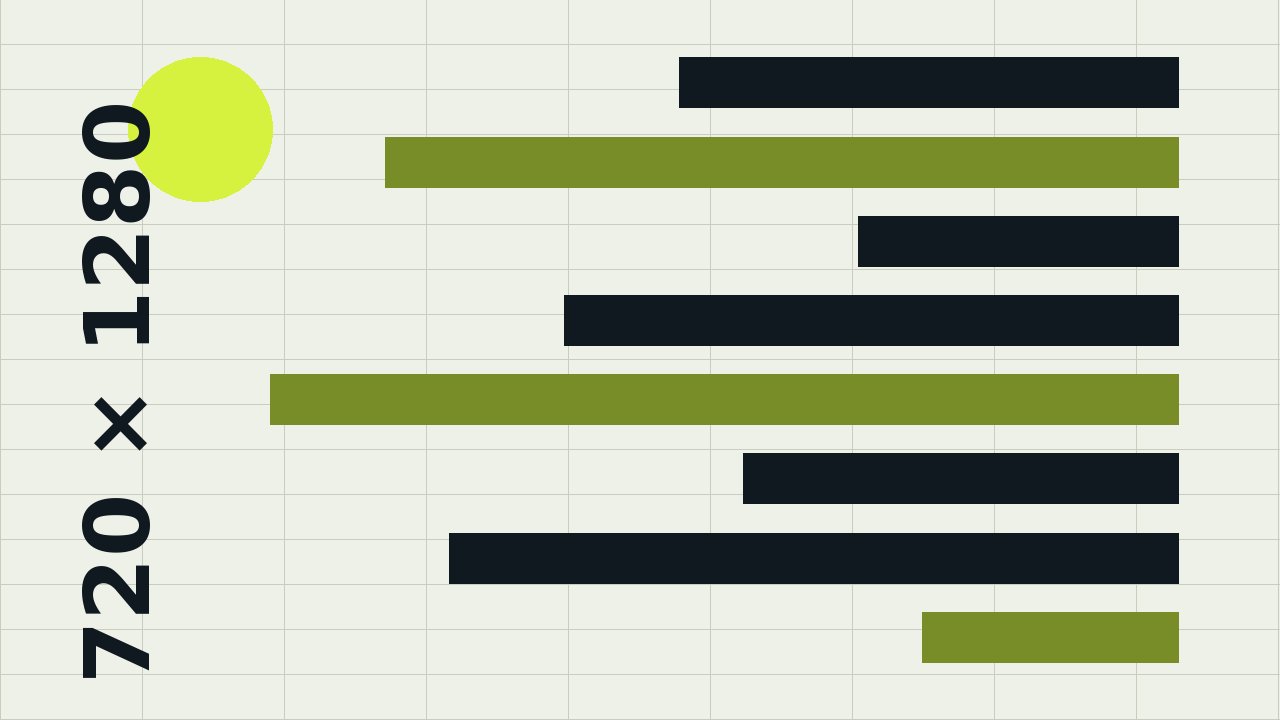
| sample-exif-rotated.jpg | 71 KB | stored as 1280×720 with EXIF Orientation = 6: viewers that read EXIF show it upright as 720×1280 width: 1280; height: 720; mode: RGB; format: JPEG; frames: 1 |
MIME type: image/jpeg. Total 484 KB.
Good for testing
- Image upload limits and resizing
- EXIF orientation handling
- Progressive JPEG decoding
Check a file
python -c "from PIL import Image, ImageOps; im = Image.open('sample-exif-rotated.jpg'); print(im.size, ImageOps.exif_transpose(im).size)"Compare the SHA-256 checksum to make sure the download is complete and unchanged (sha256sum file on Linux, shasum -a 256 file on macOS, certutil -hashfile file SHA256 on Windows):
| File | SHA-256 |
|---|---|
| sample-640x360.jpg | cbae1147d62cc3cce2217ab5137b12b967ca340425ac21bf9acdb300fb518632 |
| sample-1920x1080.jpg | b7725199eb1df38875f71f04ff05926be43025096e04a98b8e6aa81ef0f94911 |
| sample-3840x2160.jpg | a167cb4afec6c8b0560b92f3a253013b48cb116b8ecd7328cf54e36a236e4901 |
| sample-progressive-1280x720.jpg | 5d68f8ba0edc905944c8bb0df57765644a818e96f22a37cacdfce9c92f41eec1 |
| sample-exif-rotated.jpg | 4fdfff2299e92bffa30a74b8d888fabac537e0e49d7d27eac66d10f77ce2607d |