Sample SVG files
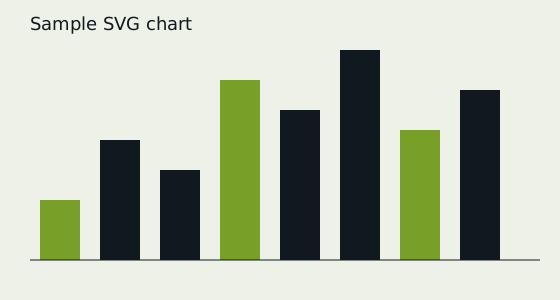
Two small SVG files written by hand: a bar chart with rectangles, a line and text, and a 24-pixel stroke icon that takes its colour from CSS (currentColor). Free, no sign-up. Updated 19 November 2026.
What these files are
Two small SVG files written by hand: a bar chart with rectangles, a line and text, and a 24-pixel stroke icon that takes its colour from CSS (currentColor). Neither has scripts.
Every file was generated by our own code, so nothing in them is copied from anyone, and we release them under CC0: use them for anything. The facts in the table were read back from each file after it was written, not typed in by hand.
About the format
SVG is an XML format for vector graphics, so it scales without blurring and can be styled with CSS. The viewBox sets the internal coordinate system, while width and height set the displayed size. Because SVG can contain scripts and links, sites that accept SVG uploads should sanitise them or serve them only as images.
These files open in every browser, Inkscape and Illustrator. A web server should send them with the header Content-Type: image/svg+xml.
2 files to download
| File | Size | What it is |
|---|---|---|
| sample-chart.svg | 819 B | 560×300 bar chart: rectangles, a line and text elements: 12; width: 560; height: 300 |
| sample-icon.svg | 198 B | 24×24 stroke icon using currentColor elements: 2; width: 24; height: 24 |

MIME type: image/svg+xml. Total 1017 B.
Good for testing
- SVG upload and sanitising
- Inline SVG and CSS colouring
- Converting SVG to PNG
Check a file
grep -c '<rect' sample-chart.svgCompare the SHA-256 checksum to make sure the download is complete and unchanged (sha256sum file on Linux, shasum -a 256 file on macOS, certutil -hashfile file SHA256 on Windows):
| File | SHA-256 |
|---|---|
| sample-chart.svg | 787a9645d0224d32f30db462698fbfe795f2d4515edd6681d9a987272da4d0f1 |
| sample-icon.svg | d0548295e8a6d1a6d30e6a682d47742a72b3545d793e702b5605987f4e6987df |